

Microbiology Society home page redesign
A updated home page deisgn that mixes editor-controlled content in a new interactive design with live article data, so it stays fresh without a developer.
Role: UX designer and front-end developer
The problem
The Society publishes six journals for authors, readers and librarians. The home page had to send each group where they need to go, promote editorial content, and keep showing current research, while letting editors change the message themselves.
What I did
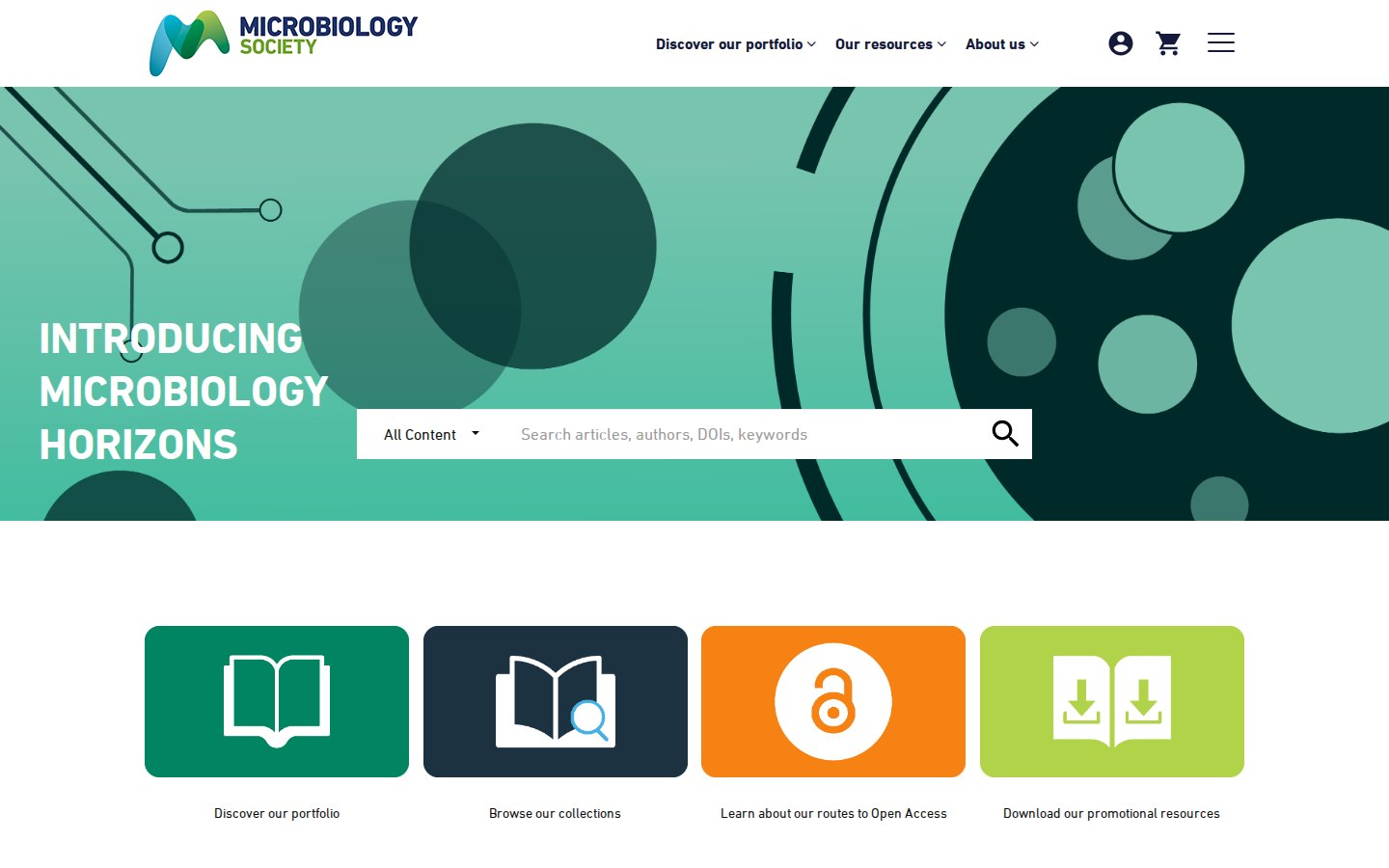
- Led with search. The hero search has a scope picker that lists each journal and suggests terms as you type, so a visitor can go straight to a paper or narrow to one journal.
- Added four shortcut tiles for the routes people ask about most, such as open access and collections.
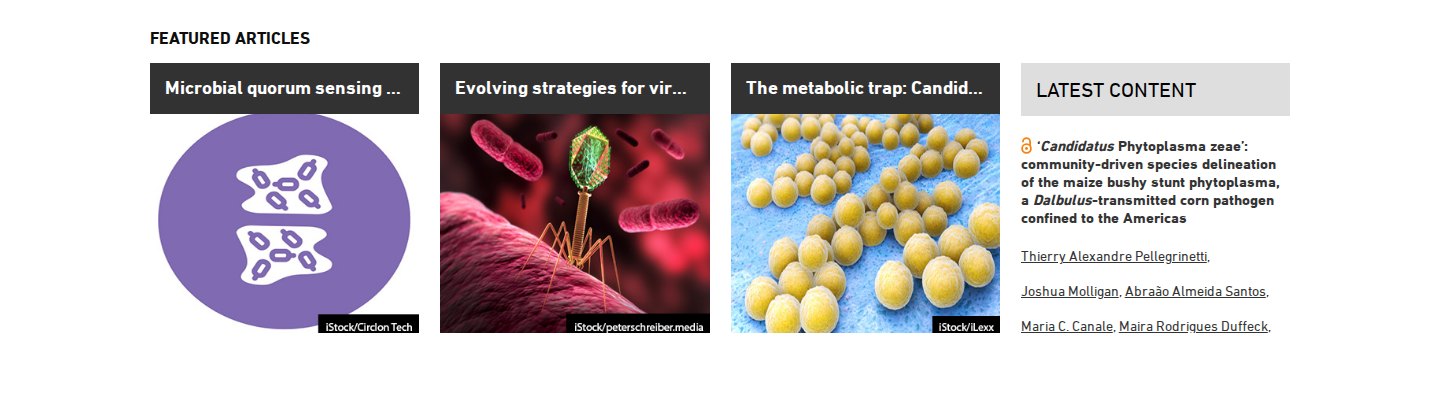
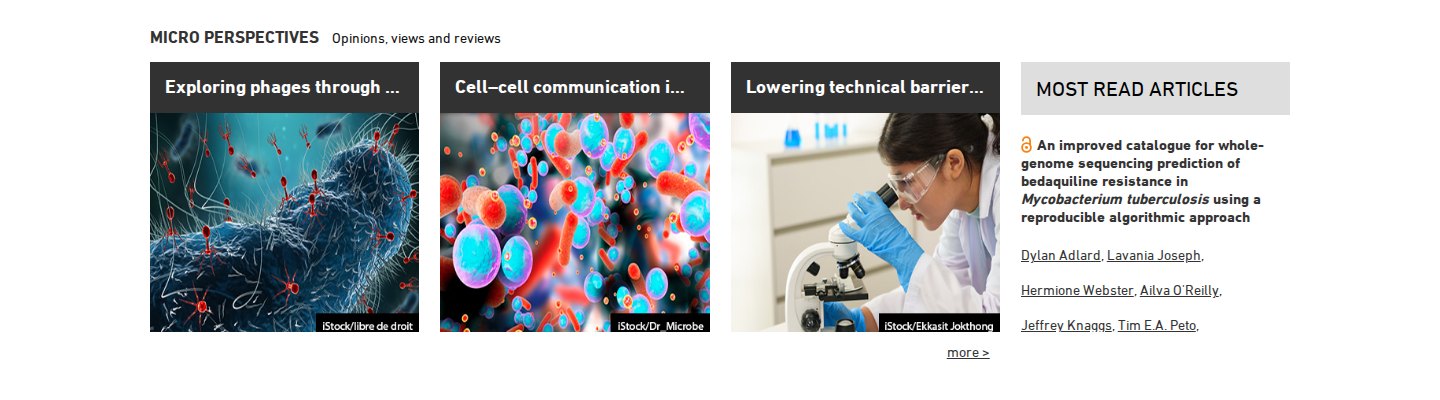
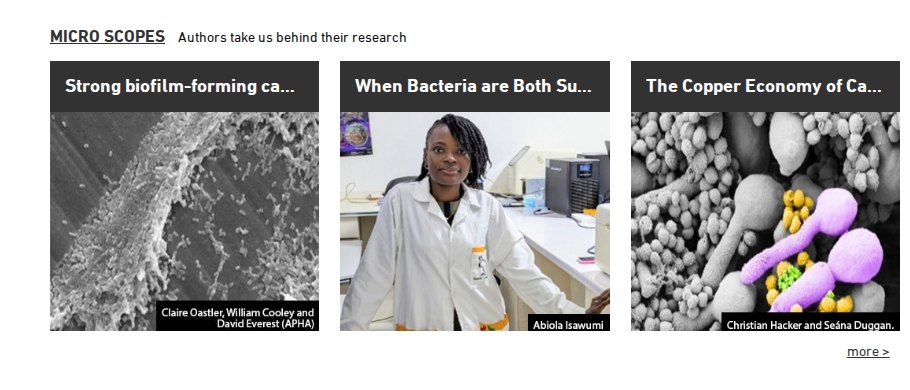
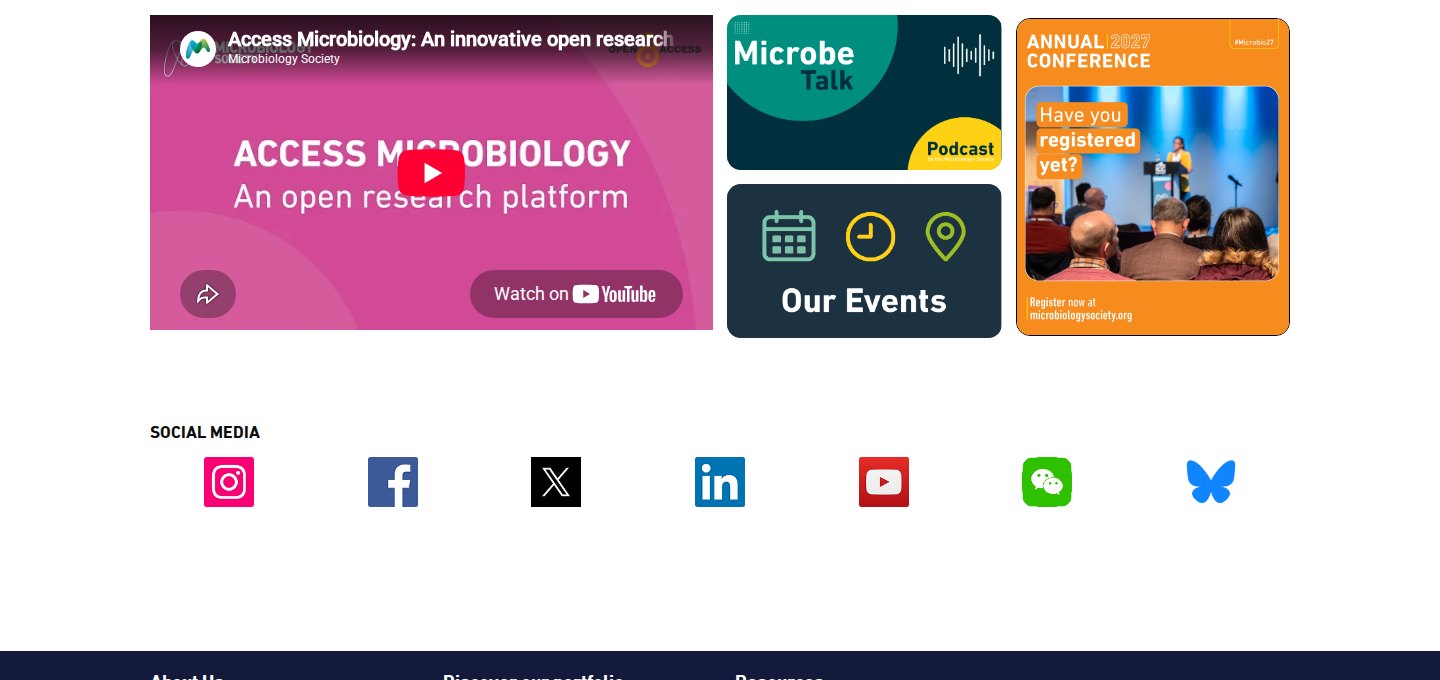
- Split each content band in two. Three editorial tiles sit beside a list generated from article data, such as Latest Content and Most read articles. Editors can change the tiles in the CMS, and the list updates itself.
- Made every editorial block an editable CMS blurb, so editors can change headings, tiles and promos without a release.
- Held back the video embed until a visitor accepts social media cookies, and kept the social links as plain links.
- Kept navigation usable on small screens, where the menus collapse into an accordion.
The outcome
Editors control the message and the data keeps the page current, so the home page stays up to date with little developer time. Positive editorial feedback helping to lock in the customer